As Amazon Associates, we earn from qualifying purchases. This means we may receive a small commission at no extra cost to you if you click through and make a purchase.
Shopping for a desktop display can feel overwhelming when technical acronyms and performance numbers dominate product specifications. When exploring aoc computer monitors, buyers are usually deciding between standard everyday office screens and specialized entertainment panels. A first-time buyer or someone shopping for a gift must weigh screen dimensions, clarity, visual fluidity, and how easily a display adjusts to match a desk setup. Understanding how these features translate into daily comfort helps you select a display that prevents eye fatigue during long work sessions or keeps visuals crisp during fast-paced media playback without paying for unnecessary extras.
The AOC monitor catalog is structured into clear functional categories based on intended workload and chassis hardware. The foundational tier focuses on energy efficiency, clean aesthetics, and balanced color performance for home office tasks, web browsing, and general entertainment. The higher-performance gaming tier introduces aggressive refresh rates, rapid pixel response times, and versatile ergonomic stands engineered for quick visual adjustments. If you are trying to decide which aoc monitor to buy, identifying whether the screen will primarily serve spreadsheet work, creative browsing, or competitive gaming provides a straightforward path to the right selection.
AOC Computer Monitors Lineup at a Glance
Comparing key physical and visual attributes across models makes it easy to spot how each screen differs in panel technology, speed, and positioning flexibility. This comprehensive aoc computer monitor comparison summarizes the essential hardware specifications found across the five highlighted models.
| Model | Screen Size and Panel Type | Native Resolution and Max Refresh | Stand Adjustability |
|---|---|---|---|
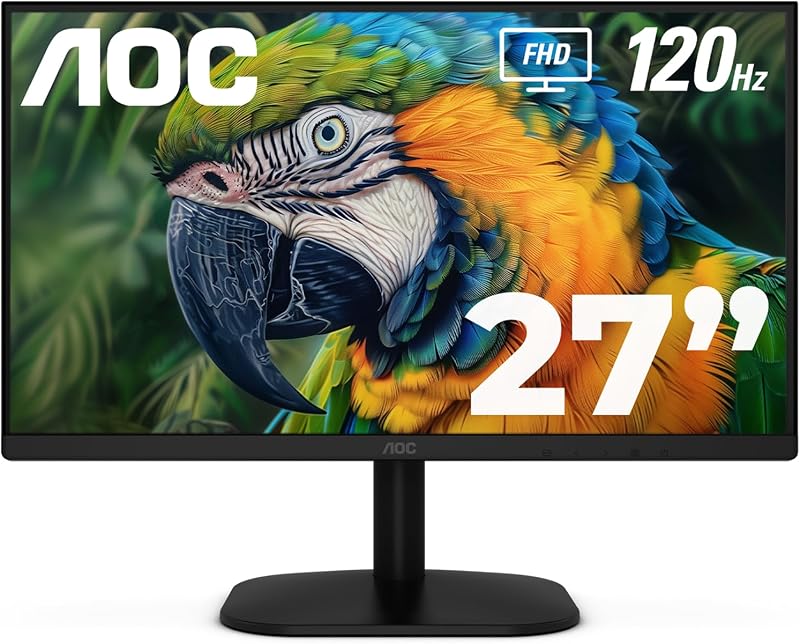
| AOC 27 Inch Computer Monitor FHD | 27 inches, Fast IPS | 1920 x 1080 at 120Hz | Tilt adjustment |
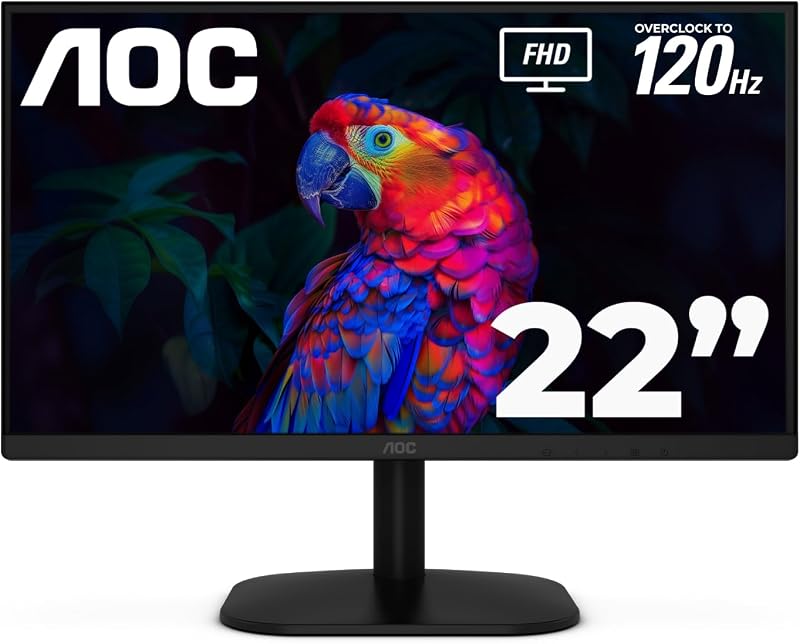
| AOC 22 Inch Computer Monitor FHD | 22 inch class (21.5 inches viewable), VA | 1920 x 1080 at 120Hz | Tilt adjustment |
| AOC 27″ Gaming Monitor FHD 200Hz | 27 inches, IPS | 1920 x 1080 at 200Hz | Height, swivel, tilt, and pivot |
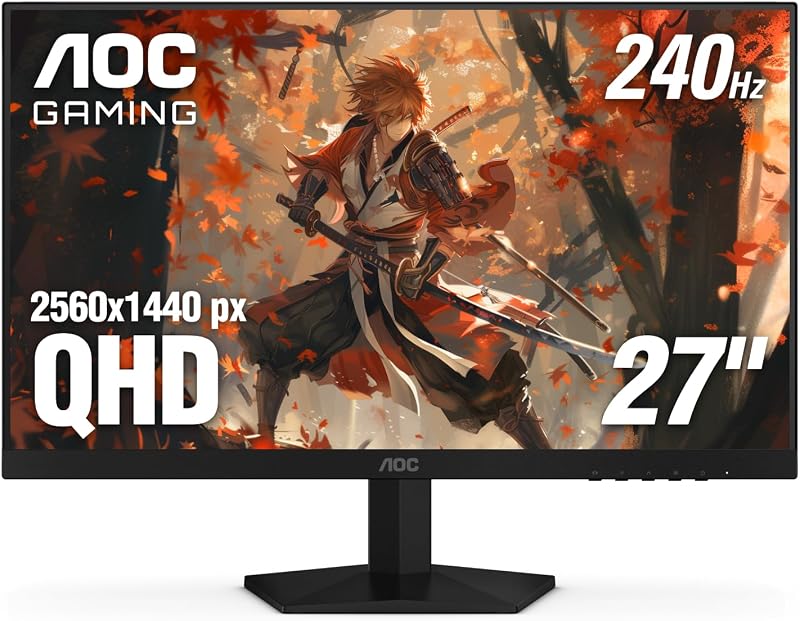
| AOC 27″ Gaming Monitor QHD 260Hz | 27 inches, IPS | 2560 x 1440 at 240Hz | Tilt adjustment (-3° to +21°) |
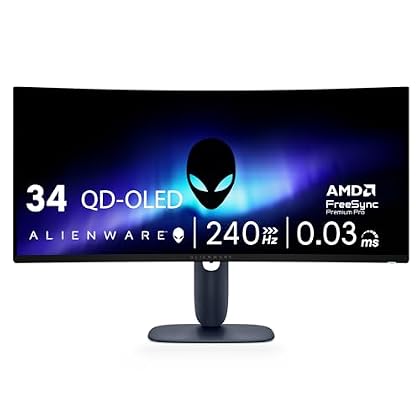
| AOC 34 Inch Curved Gaming Monitor | 34 inches, Curved VA (1500R) | 3440 x 1440 at 200Hz | Height, swivel, and tilt |
Figures as published on the product listings.
The Models in Detail
AOC 27 Inch Computer Monitor FHD
- Best for Home office productivity and everyday entertainment
- Total Number of HDMI Ports 1
- Display Type LED
- Display Technology FHD
- Brand AOC
- Manufacturer AOC
4.4 average rating left by Amazon buyers
Pros
- Fluid 120Hz refresh rate
- Wide-viewing Fast IPS panel
- Low 13W eco mode power
Cons
- Tilt-only stand adjustability
- Standard 1080p resolution on 27 inches
The AOC 27 Inch Computer Monitor FHD, identified under model number 27B35H3, delivers an expansive 27-inch viewing area paired with a Full HD 1920×1080 resolution. Built around a Fast IPS panel, it provides generous viewing angles alongside a 1000:1 contrast ratio and glossy screen finish. Daily computing, streaming, and casual gameplay benefit from a 120Hz refresh rate via HDMI, Adaptive Sync technology to minimize visual stutter, and a quick 1ms response time. Color rendition is strong for an everyday screen, featuring 100.1% sRGB and 81% NTSC color gamut coverage with HDR Ready dynamic contrast enhancement.
Designed for clean desktop environments, this unit incorporates practical comfort features including tilt adjustment, an earphone out port for private audio listening, and standard VESA mount compliance for monitor arms. It emphasizes energy conservation by drawing just 13W in eco mode, while Flicker-Free technology works to reduce ocular strain during extended sessions. Software utilities such as eSaver, i-Menu, and a user-friendly on-screen display menu allow users to fine-tune visual settings directly from the desktop rather than fumbling with rear buttons.
This model stands out as the best aoc monitor for home office setups where spreadsheet visibility, document editing, and multimedia playback require plenty of visual room without complex gaming hardware. Shoppers who previously reviewed our samsung computer monitor 24 inch comparison will notice that this 27-inch panel offers substantially more screen surface for multi-window office workflows. However, users seeking higher pixel sharpness for creative detail or full ergonomic height adjustments will want to step up to the brand’s dedicated gaming series displays.
AOC 22 Inch Computer Monitor FHD
- Best for Compact work desks and secondary display setups
- Total Number of HDMI Ports 1
- Display Type LED
- Display Technology FHD
- Brand AOC
- Manufacturer AOC
4.4 average rating left by Amazon buyers
Pros
- Space-saving 22-inch footprint
- Smooth 120Hz refresh rate
- Three-year manufacturer warranty
Cons
- Tilt-only stand adjustment
- Slower 4ms response time
The AOC 22 Inch Computer Monitor FHD, designated as model 22B35HM23, is tailored for compact workstations and tight desk surfaces. Offering a 22-inch class footprint with 21.5 inches of viewable screen, it houses a Full HD 1920×1080 resolution VA panel with an aspect ratio of 16:9. Motion handling remains notably fluid thanks to its 120Hz refresh rate delivered over HDMI, supported by Adaptive Sync and a 4ms response time to prevent visual tearing during video playback and casual gaming sessions.
Despite its modest footprint, this display shares many premium visual features with larger units, including 100.1% sRGB and 81% NTSC wide color gamut coverage alongside HDR support. It includes practical physical features like tilt adjustment, an earphone out jack, and VESA mount capability for mounting to compact walls or arms. It also operates at a modest 13W in eco mode, incorporates Flicker-Free eye comfort technology, uses AOC’s eSaver and i-Menu configuration software, and carries a 3-year manufacturer warranty for lasting reliability.
This compact display is exceptionally well suited for student dorm rooms, dedicated point-of-sale stations, or secondary communication screens where physical desk space is at a premium. Users setting up a secondary workstation alongside a basic office system such as a dell optiplex desktop with 22in lcd monitor will find this monitor’s slim proportions easy to incorporate. When broad spreadsheet layouts or larger multimedia immersion become the top priority, upgrading to the 27-inch 27B35H3 provides a noticeable visual expansion.
AOC 27″ Gaming Monitor FHD 200Hz
- Best for Enthusiast gamers seeking sharp Quad HD clarity
- Total Number of HDMI Ports 2
- Display Type LED
- Brand AOC
- Manufacturer AOC
- Aspect Ratio 16:9
4.6 average rating left by Amazon buyers
Pros
- Sharp 1440p QHD resolution
- Rapid 240Hz refresh rate
- Ultra-fast 0.3ms response time
Cons
- Tilt-only stand adjustment
- Requires powerful graphics hardware

4.5 average rating left by Amazon buyers
Best for: Competitive esports players wanting full ergonomic adjustment
Pros
- Blazing 200Hz refresh rate
- Full height swivel tilt pivot stand
- Vivid 121 percent sRGB color
Cons
- Limited to 1080p resolution
- Larger desktop footprint
Stepping into high-performance territory, the AOC 27″ Gaming Monitor FHD 200Hz, listing model 27G4H, is built specifically for competitive fast-motion experiences. It delivers Full HD 1080p resolution across a 27-inch panel with a 1200:1 contrast ratio and wide 178-degree viewing angles. Speed is the primary focus, driven by an ultra-fast 200Hz refresh rate, low input lag, and a rapid 1ms MPRT response time that keeps rapid motion clear without trailing or ghosting. Adaptive-Sync integration ensures seamless frame synchronization with graphics cards during intense visual transitions.
Visual fidelity remains striking with 121% sRGB wide color gamut coverage and HDR10 support, bringing pronounced contrast and depth to supported games and video content. A major highlight of this model is its fully ergonomic stand, which provides height adjustment, swivel, and tilt alongside a pivot function that rotates the entire display into vertical portrait orientation for coding or web browsing. The chassis features a sleek 3-sided frameless design, making it an attractive candidate for multi-monitor desktop arrangements where thin borders reduce visual distraction.
This aoc gaming monitor suits competitive esports players, action gamers, and programmers who prioritize maximum refresh rates and complete physical adjustability over dense pixel counts. Readers who have browsed our asus computer monitor breakdown will appreciate how an integrated portrait pivot enhances productivity setups. For users who prefer finer text rendering or higher resolution for desktop real estate, the QHD-equipped Q27G41ZE represents the logical next step up.
AOC 27″ Gaming Monitor QHD 260Hz
- Total Number of HDMI Ports 1
- Display Type LED
- Display Technology FHD
- Brand AOC
- Manufacturer AOC
The AOC 27″ Gaming Monitor QHD 260Hz, cataloged as model Q27G41ZE, combines high resolution with professional-grade competitive speed. It features a 27-inch IPS panel boasting Quad HD 2560×1440 resolution, which yields significantly sharper text and finer image detail than standard Full HD displays. Competitive gaming performance is driven by a native 240Hz refresh rate (overclockable to 260Hz per listing title) via DisplayPort and a blistering 0.3ms MPRT response time, virtually eliminating motion blur in high-tempo titles.
To support diverse lighting conditions, the panel outputs 300 nits of brightness with a 1000:1 contrast ratio and Adaptive-Sync compatibility for smooth gameplay across AMD and NVIDIA graphics hardware. Built-in gaming software enhancements include Shadow Control to illuminate dark areas, Game Mode presets, and an intuitive graphical on-screen display. Connectivity options are comprehensive, featuring one DisplayPort 1.4 port, two HDMI 2.0 inputs, and an audio out port, all framed in a modern 3-sided frameless housing accented with textured black and red detailing.
This model is built for demanding PC gamers and content creators who require sharp 1440p visual precision alongside tournament-level frame pacing. While its stand offers practical ergonomic tilt from -3 degrees to +21 degrees, it does not include height adjustment or pivot functionality, trading mechanical adjustability for an advanced high-refresh QHD panel. Users wanting an all-encompassing panoramic workspace without a multi-screen seam should consider the 34-inch ultrawide alternative.
AOC 34 Inch Curved Gaming Monitor
- Best for Immersive simulation gaming and wide multitasking
- Total Number of HDMI Ports 2
- Display Type LED
- Display Technology LCD
- Brand AOC
- Manufacturer AOC
Pros
- Expansive 34-inch curved screen
- Fast 200Hz DisplayPort speed
- Height adjustable ergonomic stand
Cons
- Requires substantial desk depth
- 100Hz refresh rate limit on HDMI
The AOC 34 Inch Curved Gaming Monitor, model CU34G4H, represents the brand’s expansive ultrawide solution for deep immersion. Sporting an ultrawide 21:9 aspect ratio across a 34-inch canvas, it delivers sharp WQHD 3440×1440 resolution. The screen features a 1500R curvature on its VA panel, wrapping the edges of the display naturally into the user’s peripheral vision to create a captivating panoramic field of view for flight simulators, racing games, and broad productivity projects.
High-velocity gaming remains central to the CU34G4H, providing up to a 200Hz refresh rate through its DisplayPort 1.4 connection, alongside a 0.3ms MPRT response time to combat ghosting during high-speed scenes. Note that when connecting via HDMI 2.0, the listing specifies a 100Hz refresh rate. The monitor supports Adaptive-Sync and HDR Ready contrast tuning to preserve detail in bright and dark scenes, while its versatile stand includes height adjustment, tilt, and swivel to align the expansive screen comfortably with your natural line of sight.
This curved powerhouse is tailored for simulation enthusiasts, video editors, and power multitaskers who want to replace two separate monitors with a single seamless panel. Shoppers exploring wide-format productivity options across our site guides, including our lg computer monitor overview, will recognize the immense productivity benefits of an ultrawide timeline. Because of its large desk footprint and wide 21:9 aspect ratio, shoppers with shallower workstations may prefer sticking with standard 16:9 flat screens like the Q27G41ZE or 27G4H.
Chip values are fields copied from the Amazon product listing. Star figures are the average rating left by Amazon buyers, not a score given here.
Matching a Model to Your Setup
- Compact Desks and Secondary Displays: Choose the AOC 22 Inch Computer Monitor FHD for tight spaces, dorm workstations, or dedicated secondary chat screens where low power draw and a small footprint matter most.
- Everyday Home Office and Media Streaming: Select the AOC 27 Inch Computer Monitor FHD to secure an expansive 27-inch workspace with vibrant IPS viewing angles and eye-care features without unnecessary complexity.
- Esports Gaming with Full Posture Flexibility: Pick the AOC 27″ Gaming Monitor FHD 200Hz if you play fast shooters and need an ergonomic stand that tilts, swivels, adjusts in height, and pivots into vertical portrait orientation.
- Competitive Gaming with Fine Detail: Opt for the AOC 27″ Gaming Monitor QHD 260Hz when you want razor-sharp 1440p resolution, high pixel density, and blistering 240Hz speed on a high-grade IPS panel.
- Panoramic Multi-Window Productivity and Simulators: Invest in the AOC 34 Inch Curved Gaming Monitor for an all-encompassing 21:9 ultrawide canvas that easily handles side-by-side applications and immersive simulation titles.
Before You Buy
When selecting among these AOC displays, pay close attention to your PC’s available video outputs and cable specifications. The listings do not explicitly confirm which video cables come packaged inside every box, nor do they mention built-in USB pass-through hubs. For high-bandwidth models like the 34-inch ultrawide CU34G4H, achieving the full 200Hz refresh rate requires a DisplayPort 1.4 connection, whereas HDMI 2.0 connections on that specific model cap out at 100Hz. Ensure your desktop graphics card or laptop docking station features the correct physical DisplayPort or HDMI revision to unlock each display’s maximum advertised refresh rate.
Physical mounting and desktop footprint requirements also differ substantially across the range. While all of these monitors cite VESA mount compliance or tilt adjustability, specific screw spacing dimensions such as 75x75mm or 100x100mm are not uniformly detailed in every listing, so reviewing your existing monitor arm hardware before installation is advisable. Furthermore, larger screens like the 34-inch curved display require significant desktop depth to accommodate their wider, deeper ergonomic stands while maintaining a comfortable focal distance for your eyes.
FAQ
What does the refresh rate mean on these AOC monitors?
Refresh rate, measured in hertz, indicates how many times the screen redraws the image every second. A standard office monitor often operates at 60Hz, whereas the monitors in this guide offer 120Hz, 200Hz, or 240Hz. Higher refresh rates make cursor movement, window scrolling, and video gameplay appear noticeably smoother, reducing eye strain and eliminating motion stutter during fast-paced computer tasks.
Can I mount an AOC computer monitor to an adjustable monitor arm?
Yes, models across this lineup, including the 27B35H3, 22B35HM23, 27G4H, and CU34G4H, specify VESA mount compliance in their listing features. This allows you to detach the included desktop base and secure the display panel directly to compatible wall brackets, single monitor arms, or dual-screen desk mounts using standard mounting hardware.
What is the difference between Full HD and Quad HD on a 27-inch screen?
Full HD displays contain 1920 horizontal by 1080 vertical pixels, while Quad HD displays feature 2560 by 1440 pixels. On a 27-inch monitor, Quad HD provides roughly seventy-seven percent more screen pixels than Full HD. This increased pixel density results in noticeably sharper text, clearer fine details in photographs, and expanded virtual desktop space for arranging multiple document windows side by side.
Do these AOC monitors feature built-in audio speakers?
The product listings for these displays do not advertise integrated stereo speakers. Instead, models such as the 27B35H3, 22B35HM23, Q27G41ZE, and CU34G4H include dedicated earphone out or audio out jacks. This audio pass-through allows you to connect headphones or external desktop speakers directly to the monitor to receive sound carried through your HDMI or DisplayPort connection.
Which AOC monitor is best suited for everyday remote office work?
The AOC 27 Inch Computer Monitor FHD (model 27B35H3) provides the best balance of features for general home office productivity. Its 27-inch Fast IPS panel provides wide viewing angles and natural color accuracy for documents and web applications, while its 13W eco mode and Flicker-Free technology keep power consumption low and eyes comfortable throughout standard working hours.